draw.io in Confluence DC - full version support and regular updates

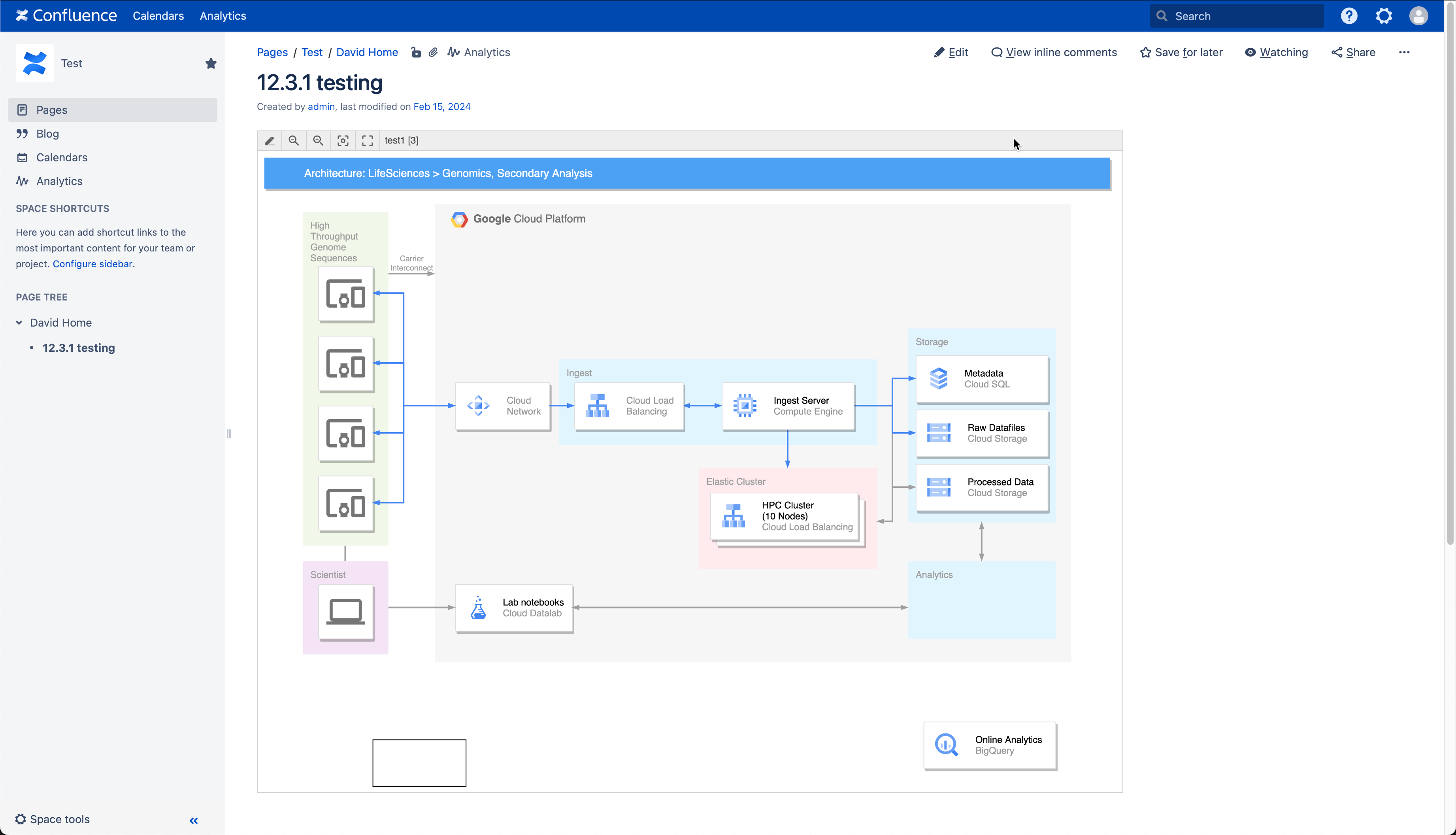
The draw.io app for Confluence Data Center provides you with a secure and fully featured diagramming tool for visual documentation, along with a simpler whiteboard macro that also includes everything you need to draw complex technical diagrams.
Works on all supported DC versions
draw.io works on all supported versions of Confluence Data Center, 7.x and later.
Regular updates are released for all supported DC versions, such as updated technical icon sets (shape libraries), new and improved features, and of course bug fixes and optimisations.
Focused on security
While many organisations have opted to move to Confluence Cloud now that Confluence Server has reached its end of life, you may have found that Confluence Data Center is a better fit for your needs, especially if you are in a regulated industry like finance or healthcare.
draw.io is engineered differently to other diagramming apps - we take data security seriously so you can keep your diagram data secure. We participate in Atlassian's bug bounty program and release regular updates for all supported versions of Data Center.
Secure desktop app for external partners
When you do need to collaborate confidentially with external partners, your partners can edit draw.io diagram files securely with the free draw.io desktop app, which keeps the diagram data isolated on their computer. The desktop app has the same shape libraries, templates, and tools, and is designed to work fully offline on Windows, macOS and Linux.
Technical diagrams plus an online whiteboard
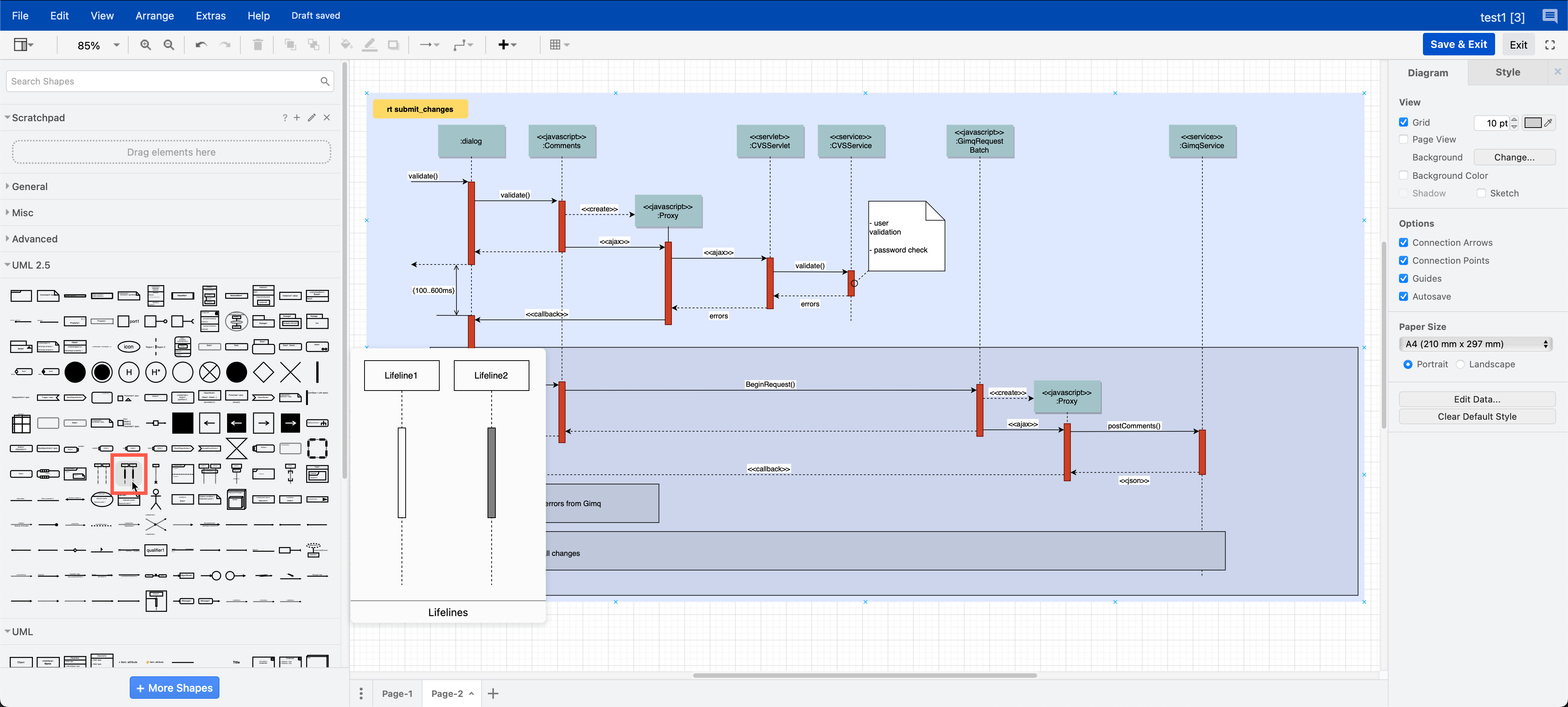
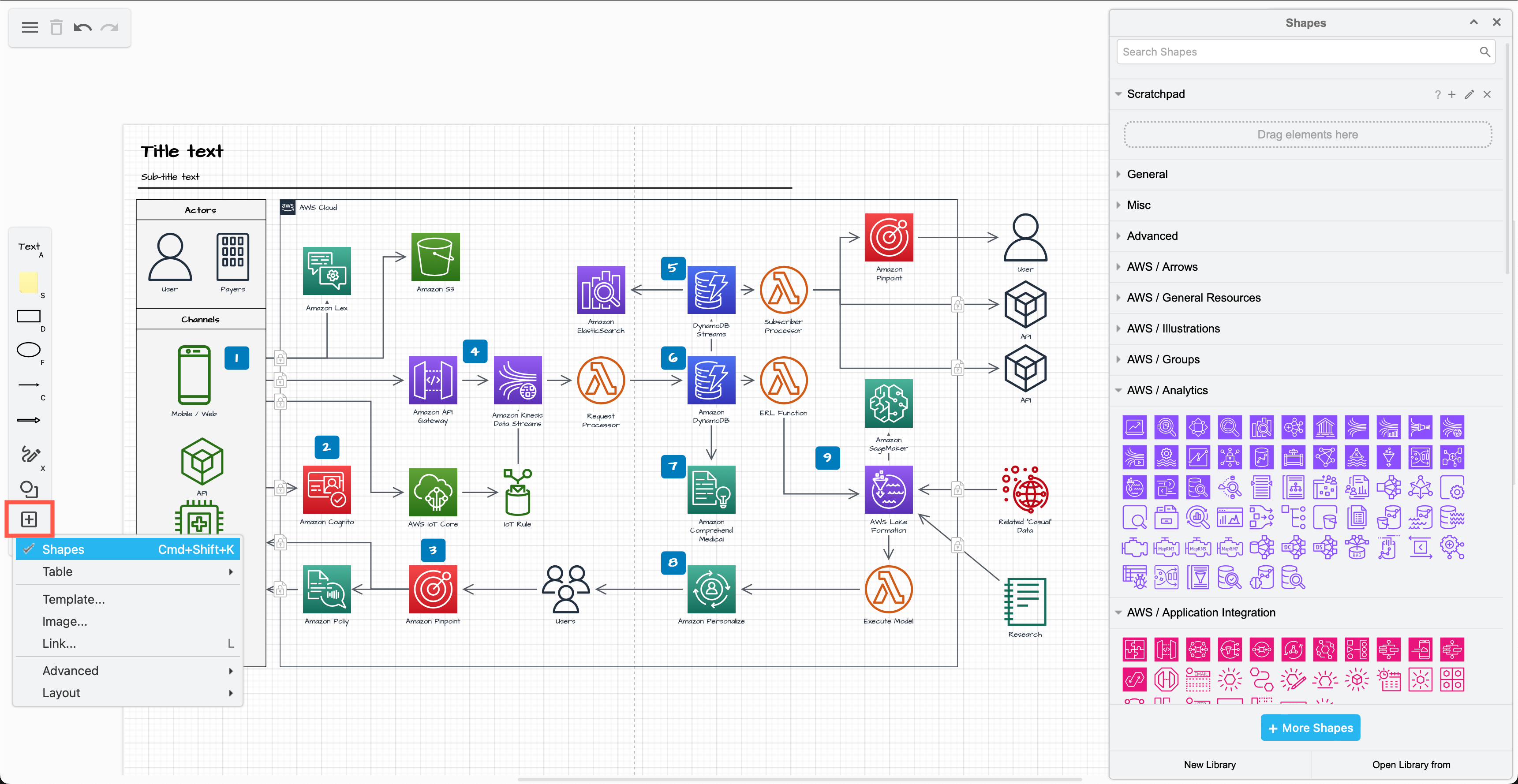
draw.io has a wide range of shape libraries with up-to-date icon sets, and a large collection of templates for many different types of technical diagrams.
Even when using the simple draw.io board macro in Confluence, you have access to all the shape libraries, features, and tools. You can use draw.io in meetings and for brainstorming, as well as to document your complex infrastructures and business procedures in great detail.
Migration and import tools
If you choose at some point to migrate to Cloud from DC/Server, to maintain diagram links and embedded diagrams you must use the PageID export/import method.
draw.io makes it easy to migrate and import from other diagramming tools in Confluence DC.
- Import all your Gliffy diagrams in your instance as a Confluence administrator.
- Drag and drop an individual diagram file, including
vsdxfiles and Gliffy and onto the drawing canvas to import them.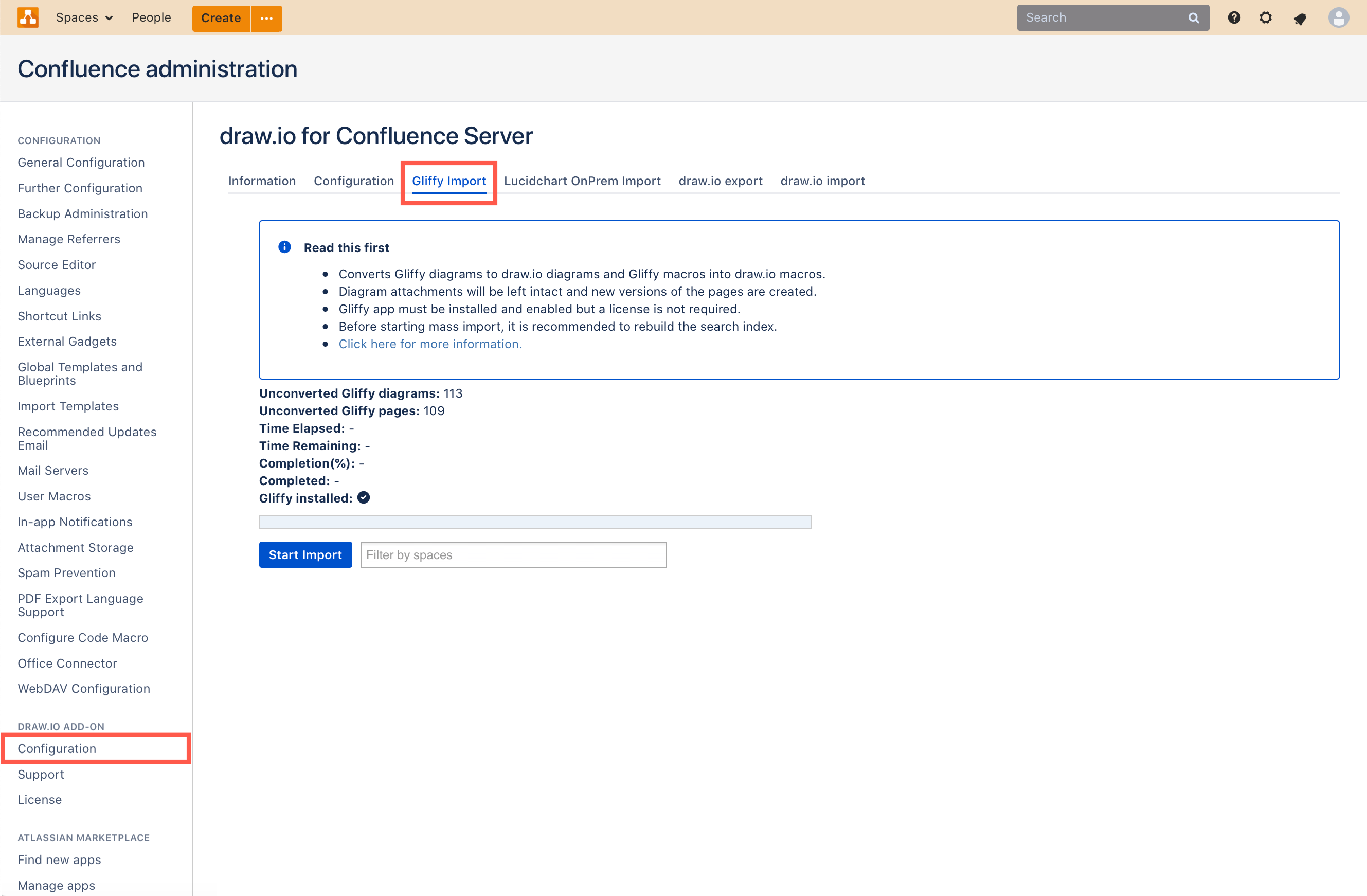
Configure the diagram editor and draw.io settings
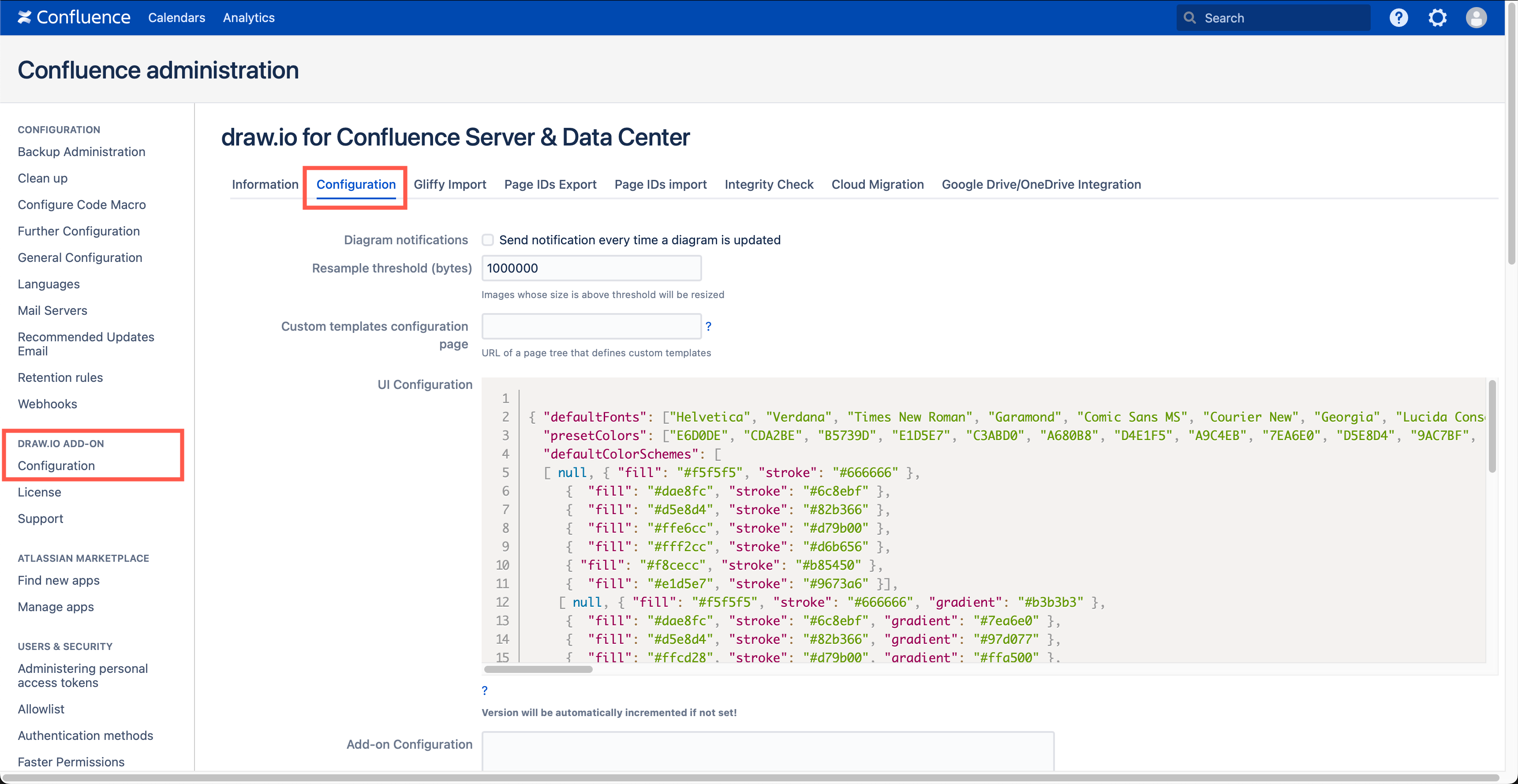
As an administrator, you can configure the draw.io backend in Confluence Data Center via the app administration and set up custom diagram templates and shape libraries.
If your technical diagramming team always use a set palette of colours or shape styles, you can also configure this for everyone in your instance.