How to use association class shapes
Association classes in UML class diagrams 'hang' off the relationship between two other classes. Instead of leaving an unconnected end on your connector, add a waypoint shape between them and connect all three class shapes to the waypoint shape for a neater diagram.
Class diagrams are one of the most common and important types of UML diagrams. Keeping these diagrams neat and readable is extremely important as they are used heavily during software implementation and testing phases, not just during the initial software design.
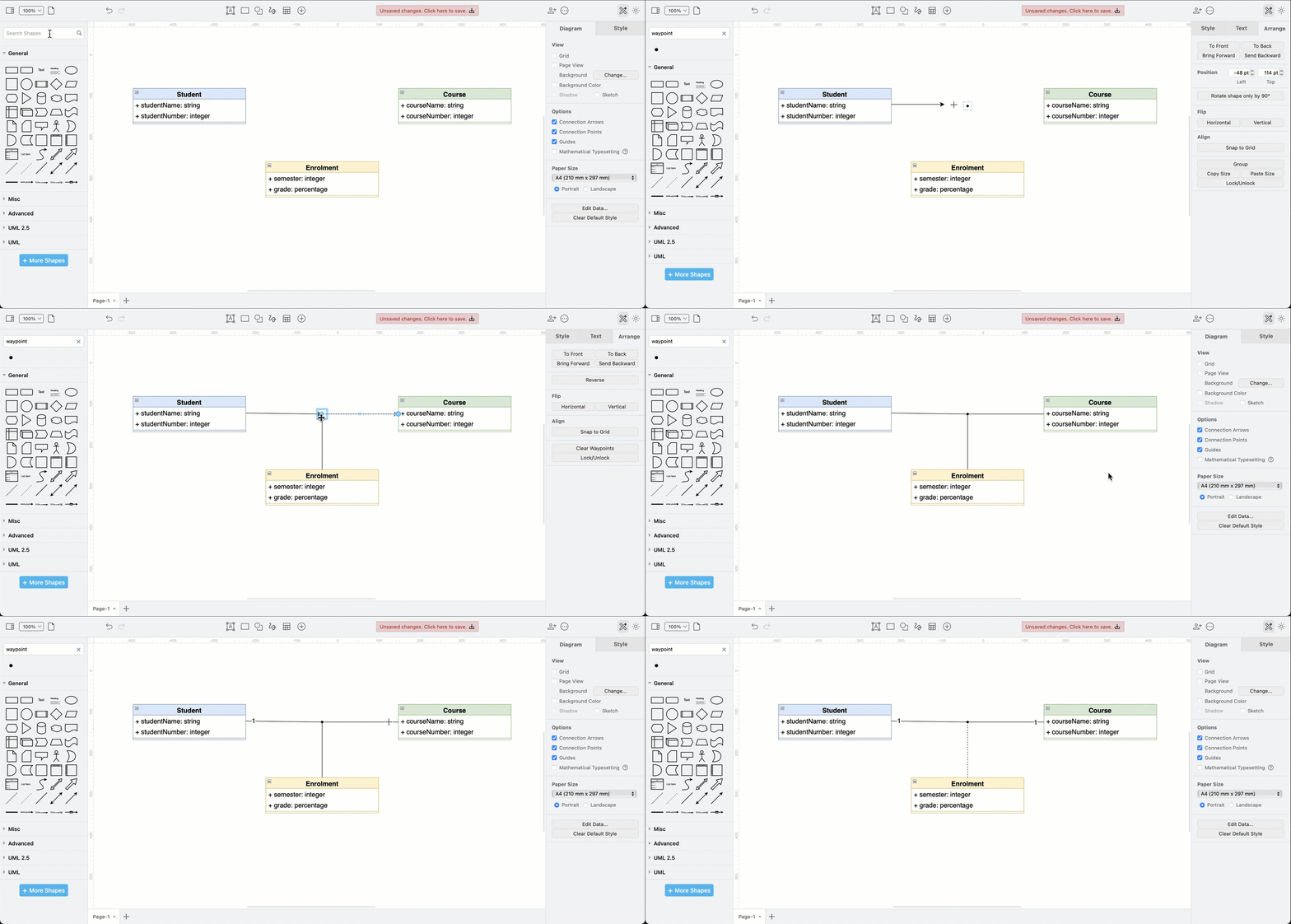
Here's how to use the association class shape with waypoint shapes for neater connections in draw.io.
Connect association classes
In this example, an association class needs to be connected to two other classes.
-
Search for the
Waypointshape in the shape panel in draw.io.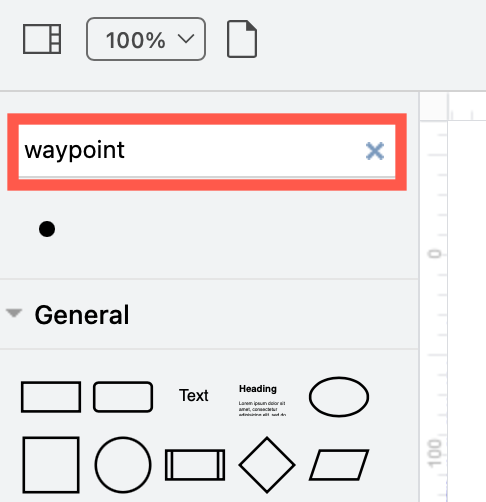
-
Drag the waypoint shape onto the drawing canvas between your three classes.
-
Drag connectors between each of the classes and this central waypoint shape.
If you are having trouble attaching a floating connector to the waypoint shape (the blue outline), hold downAlt+Shiftas you drop the connector on the waypoint shape.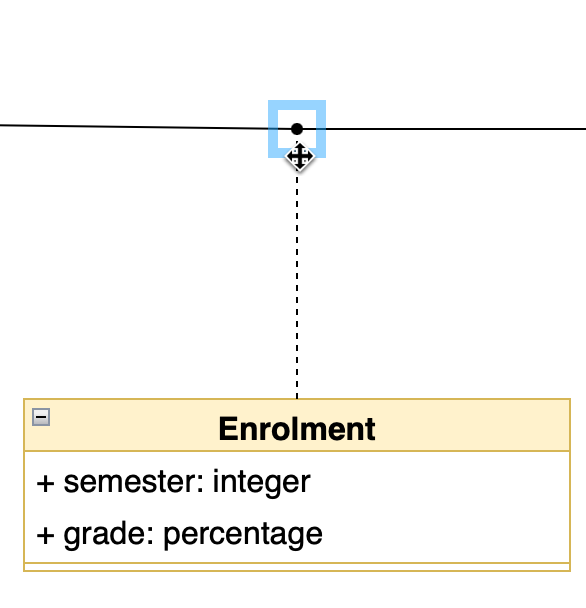
-
Set the end arrow styles and enter labels as needed on each of the connectors. Note that association classes in UML use a dashed line - change the connector line style to be dashed.
Now, if you move any of the classes, you won't lose that association connection to both of the other classes.
Hide the waypoint shape
If you want to, you can make the waypoint shape 'invisible'. Select the waypoint shape, then deselect the Line checkbox in the Style tab of the format panel.
When to use association classes
Association classes store additional information about the relationship between two classes - the characteristics stored in the association class belong to the relationship itself and not to either of the two related classes.
For example, the Enrolment association class in this example contains the extra information that only exists when a student enrols in a course - their chosen semester and their grade.
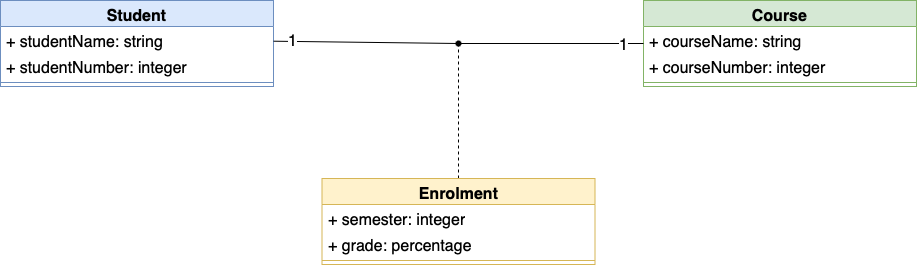
UML association classes can contain operations, attributes, and other associations, just like normal UML classes.
It's good practice to ensure that every instance of an association class has a unique source and target pair of classes.
Other types of UML diagrams
In addition to class diagrams, you can draw many other different types of UML diagrams to model the behaviour and data of a system in different ways.
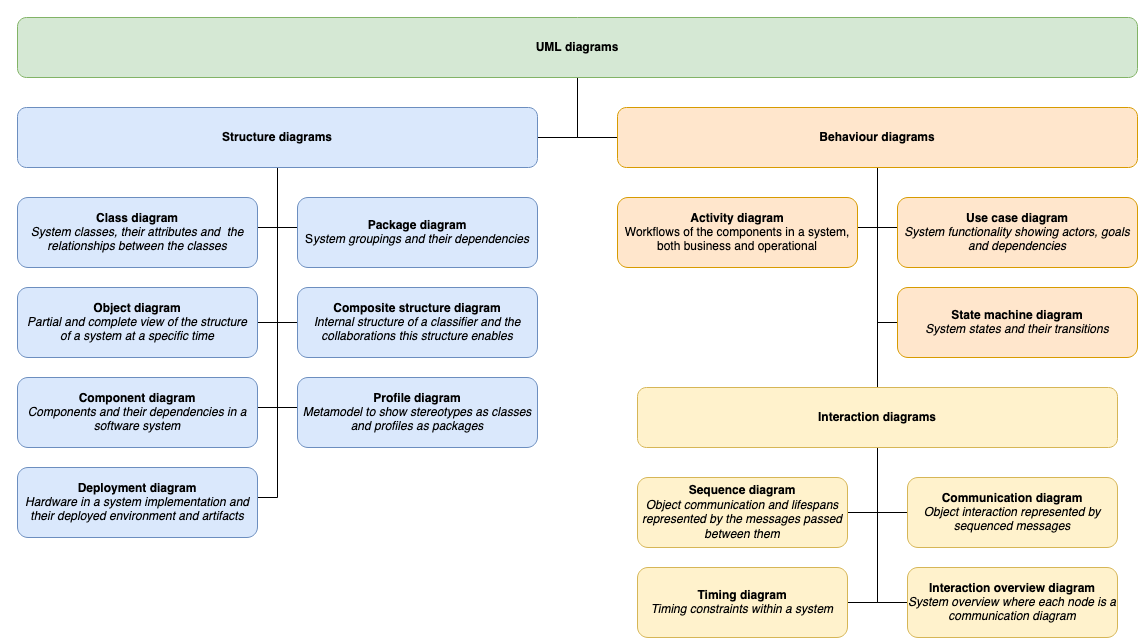
Refer to the UML diagram overview post for details of the many other types of UML diagrams.