Position labels inside and outside shapes
You can reposition the text labels of shapes and connectors easily using the Position tool in the format panel. The text can be positioned outside the shapes, at the top, right, bottom, and left, as well as different alignments within those positions.
- Select the shapes or connectors where you want to change the label position.
- In the Text tab of the format panel on the right, select a new Position from the drop down list.
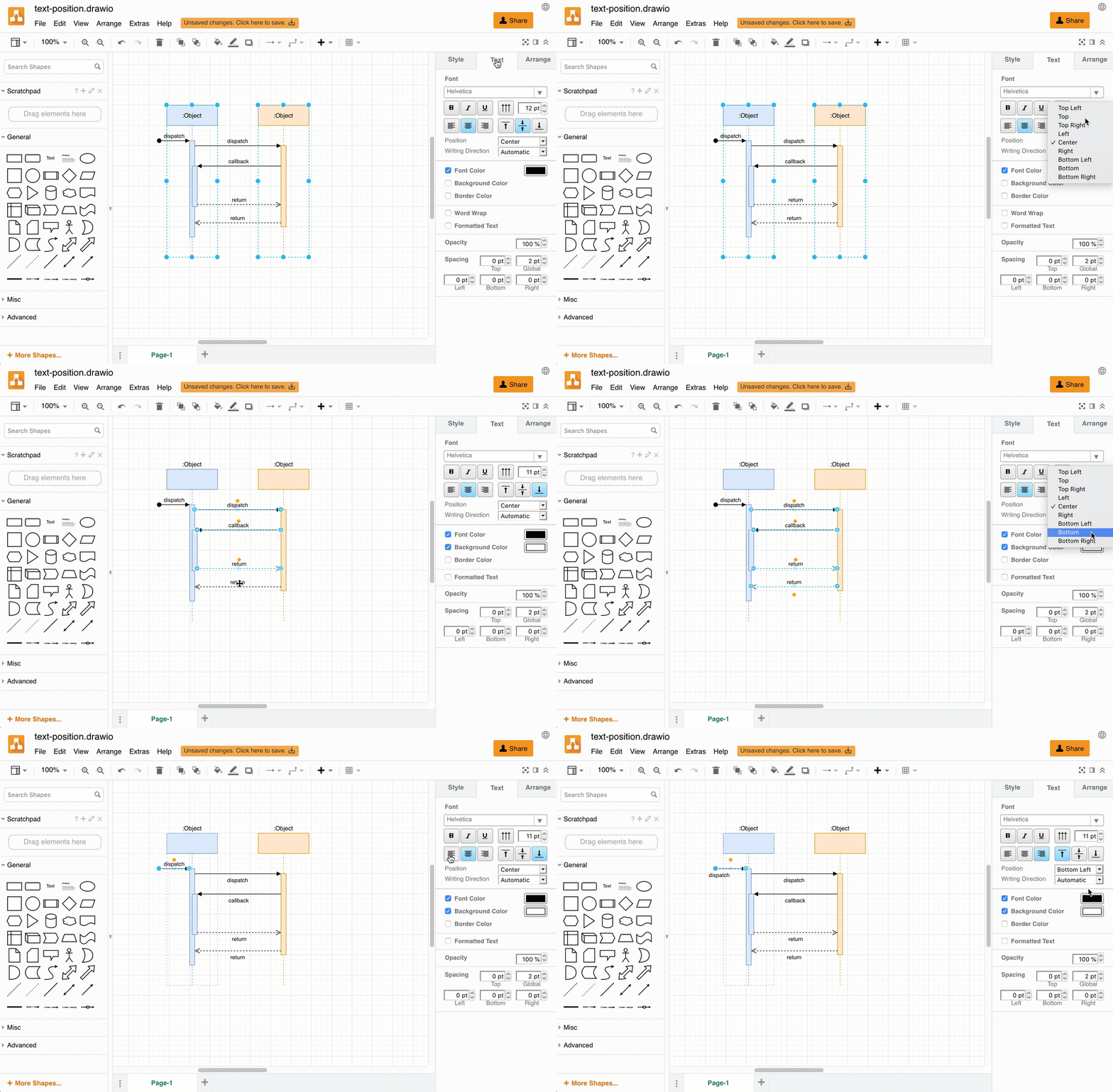
Reset the text label to the center of a shape by selecting Center from the Position list.
Connectors and labels outside the shape
When the label is at the Top, Right, Bottom or Left of a shape, connectors that meet the shape on that side end at the label, so they don't cross the text. This is how connections are usually drawn in cloud architecture diagrams: a connector from below ends under the name of the service icon.
Shapes from the shape libraries that have their label outside the shape work in this same way automatically.
To connect a shape on the side of its label directly, disable the Label Perimeter shape property. If you don't want connectors to cross the label of a shape, enable this shape property.