Store diagram files on cloud platforms
When you use draw.io, either online or any of our integrations, you choose where to store your diagram files. Create unlimited diagrams and store them on your favourite cloud platform. draw.io doesn't store your diagram data, so you don't need an account to open and edit your files.
We support many of the popular cloud storage platforms - Google Drive, Microsoft OneDrive, Dropbox, GitHub and GitLab - as well as many other online file storage and content platforms. A couple of the storage platforms support additional draw.io features for revision control and collaboration - compare the different storage locations.
Use your favourite file storage location
This bring-your-own storage model has several advantages:
- draw.io doesn't store your diagram data, so you don't need an account to open and edit your files.
- All your documents and diagrams are on one platform, which makes them easier to find and backup.
- Experienced, large and trusted cloud storage providers are more reliable and secure than companies that don't specialise in that service.
- Popular cloud storage platforms integrate well with a range of SaaS applications in addition to draw.io.
- Larger platforms have better sharing and collaboration options - our apps for Google Drive and Microsoft OneDrive, and the third-party app for Nextcloud, support real-time collaboration with shared cursors.
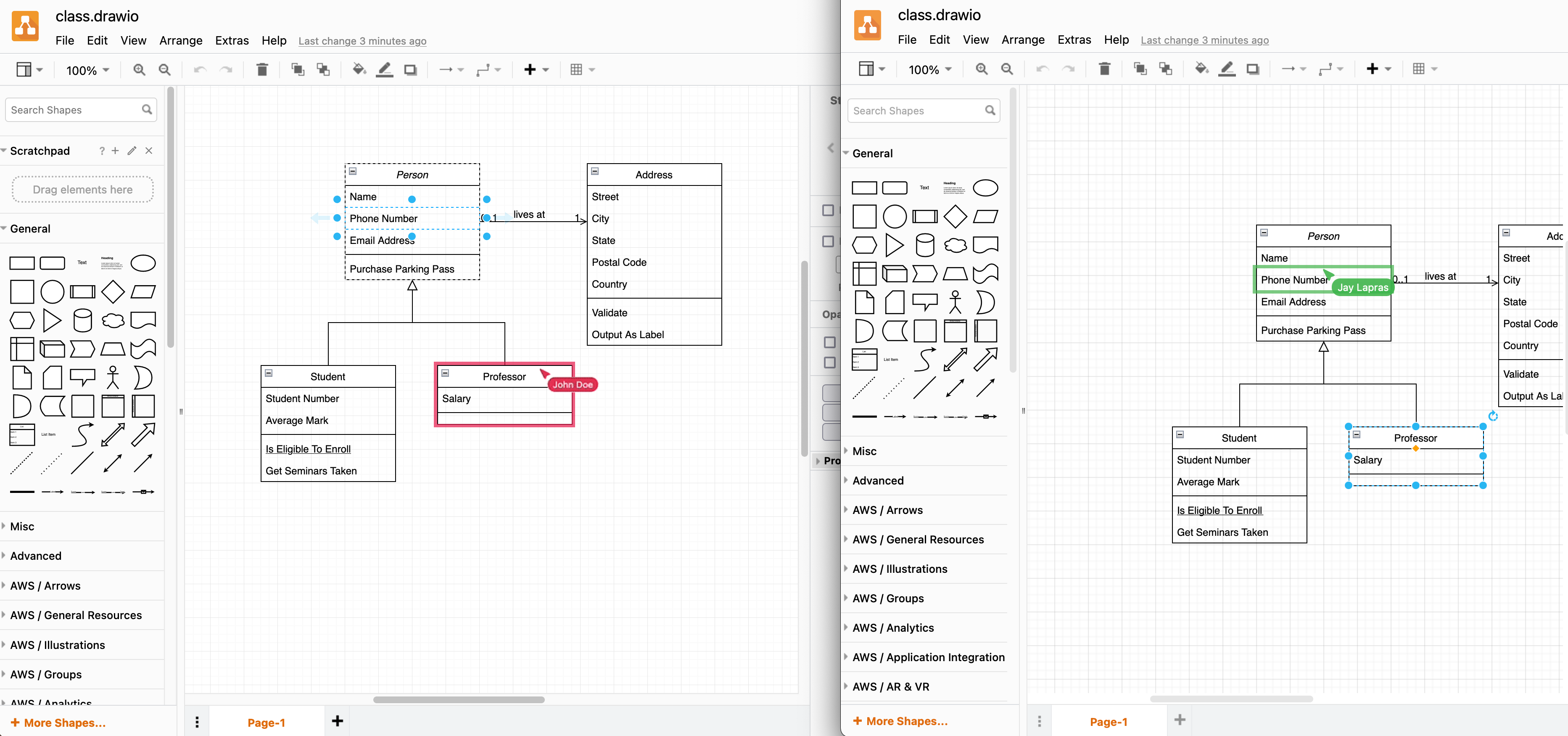
Select your cloud storage platform
To choose a storage location when using our online diagram editor:
- Go to app.diagrams.net.
- Select the location or online platform where you want to save your diagrams.
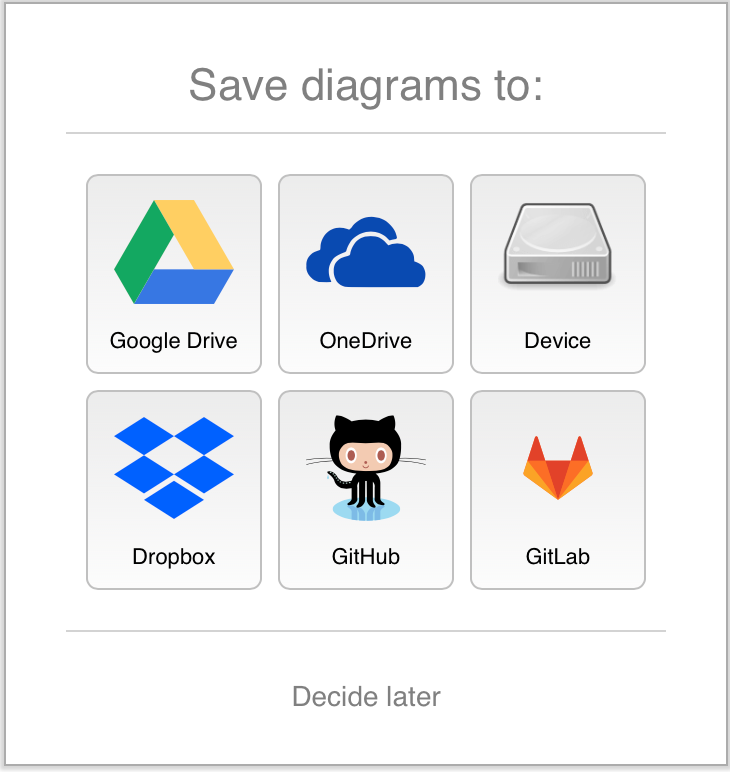
- If this is the first time you have selected that cloud storage location, you need to authorise the editor and grant it permission to read and edit files stored on that platform.
Authenticate to allow access your diagram files
Follow the linked instructions for authenticating on your chosen platform.
Tip: Google Drive and Microsoft OneDrive support real-time collaboration with shared cursors when multiple people edit a shared diagram file.