Offline vs online diagramming with draw.io
draw.io Desktop is a downloadable security-first diagramming application that runs fully offline on Windows, MacOS and Linux.
Creating diagrams in the desktop app doesn't need an internet connection. This is useful when you are disconnected or when you must create diagrams in a highly secure environment, where data protection is of the utmost importance.
Diagram file storage locations
When you use the draw.io desktop app, your diagrams will be stored on your local device only. Because this is a stand-alone application, designed to run offline, there are no interfaces to cloud storage platforms. Of course, you can still store your diagrams in folders on your local device that are synchronised to your cloud storage if you wish.
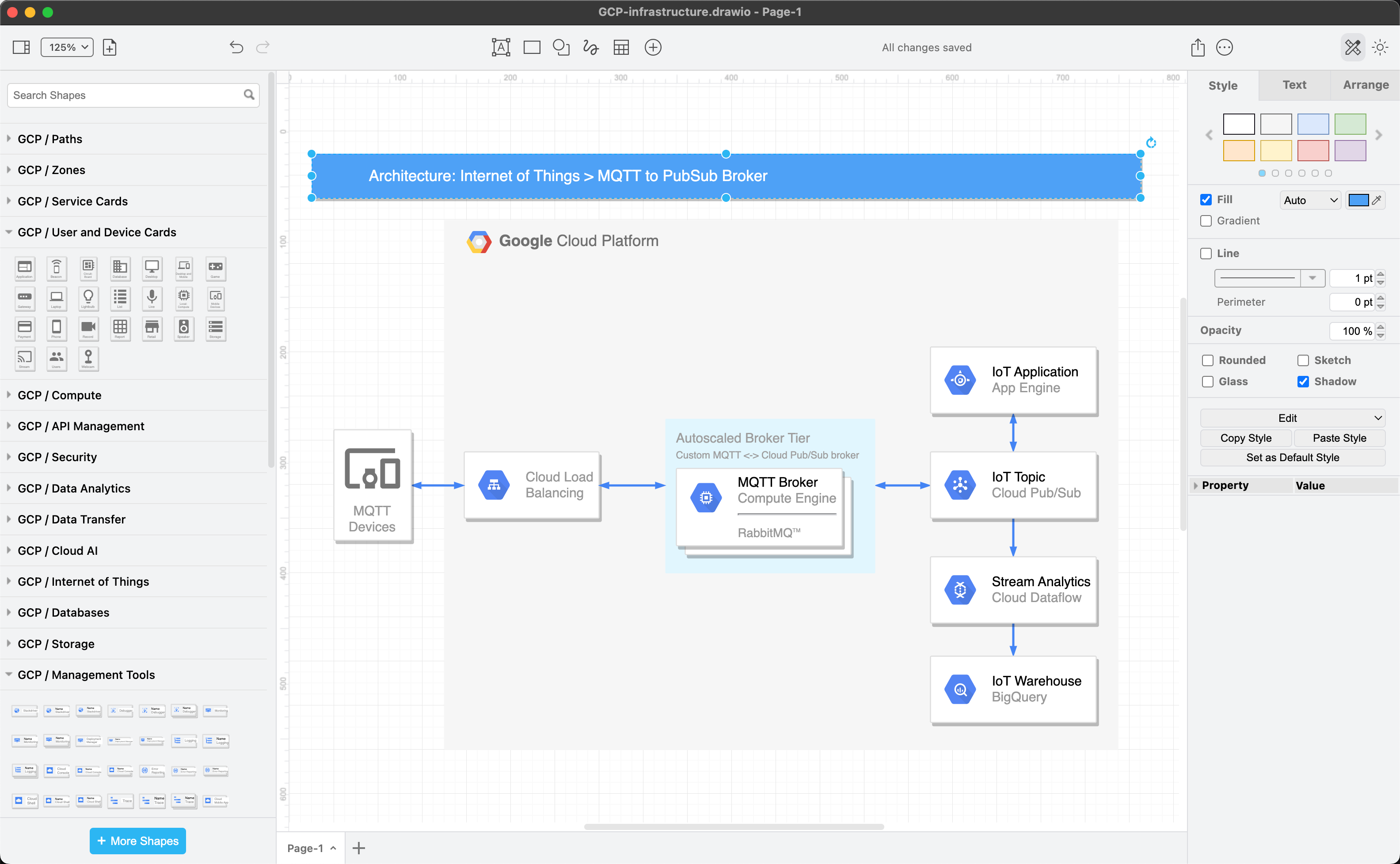
Download and install the draw.io desktop app
Features not available in draw.io Desktop
There are a few features that are not available in draw.io Desktop.
- Load, save or export diagrams to cloud storage platforms.
- Use the online clipart shapes (via the Search Shapes field).
- Import and convert .vsd files.
- Generate diagrams using AI.
- Use Google fonts or web font files (
.woff) that are hosted online. - Use the online help.
- Create a new diagram from a template or insert a template diagram.
If you want to use external fonts with draw.io Desktop, please download them and install them in your system.
Diagram offline in your browser
You don't need to install the draw.io desktop app to diagram offline - you can load the application into your browser and then simply use it offline.
Open the draw.io online editor at https://app.diagrams.net while you still have internet connectivity to load the application into your browser.
This works on mobile devices as well as on your desktop computer.
You'll be able to save diagrams to your device, or keep them only in your browser.
The following features normally available in the online version of draw.io are not available when you use the draw.io editor offline in your browser:
- saving to cloud storage platforms
- external fonts
- online help