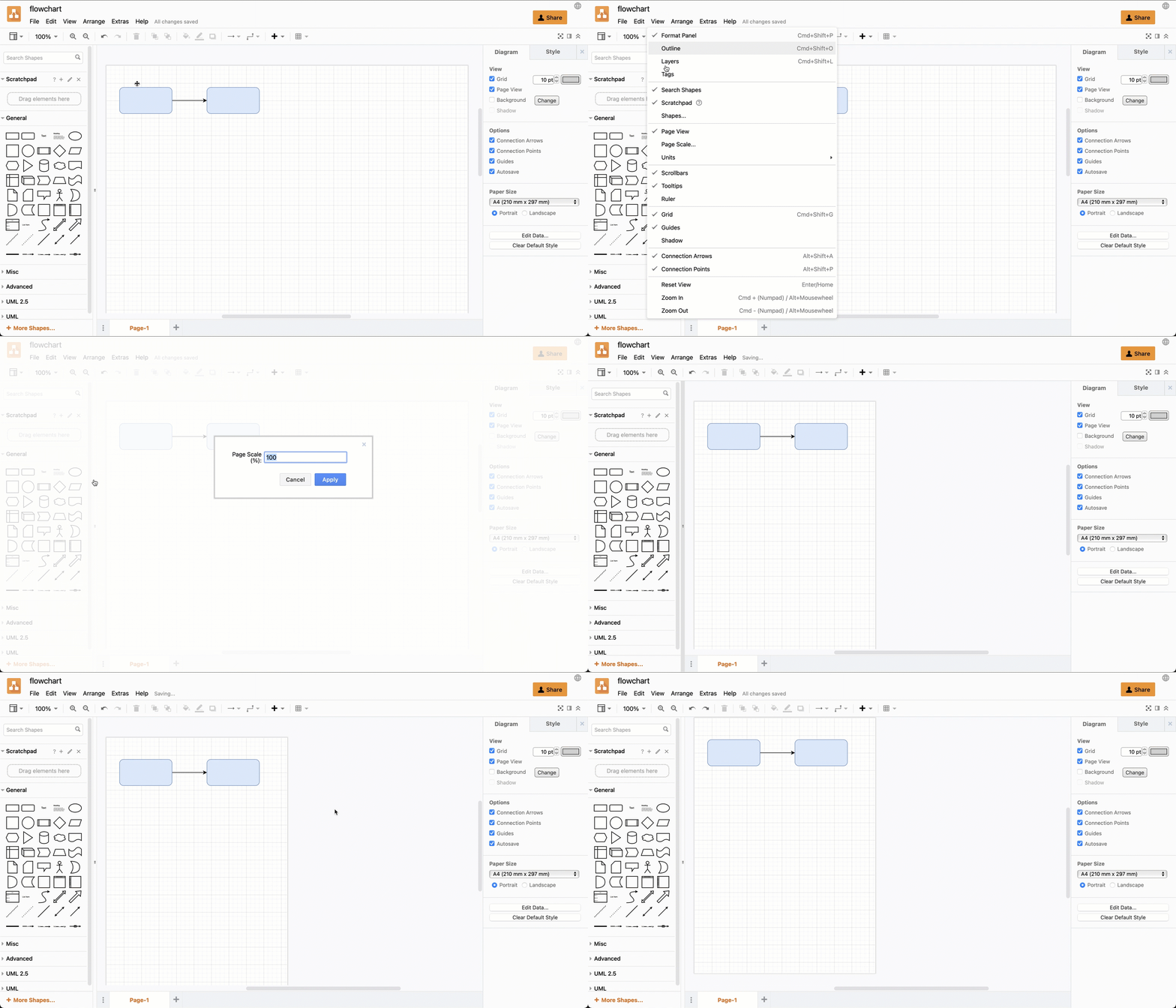
Change the page size with Page scale
Changing the scale of the page will change the size of your diagram when you print it or export it to a PDF.
- With nothing selected in your diagram, ensure the Page View checkbox is enabled in the format panel on the right.
- Select View > Page Scale from the menu.
- Enter a new value in the Page Scale text box and press
Enteror click Apply.