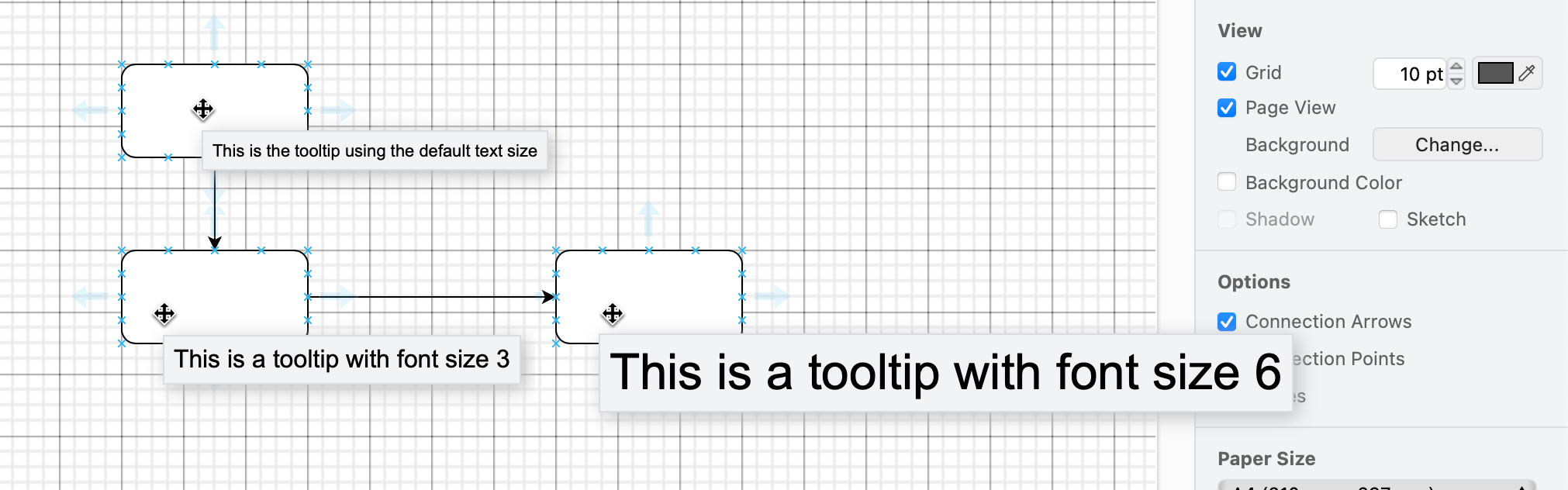
Change the size of text in a tooltip
- Select the shape you want to add the tooltip to and press
Alt+Shift+T. - Change the font size by using a HTML tag:
<font size="3">Write your tooltip here</font>
- Click Apply to save your tooltip.
When you hover over the shape, the tooltip will appear after a short delay.
Here's how three different sizes of tooltips appear.