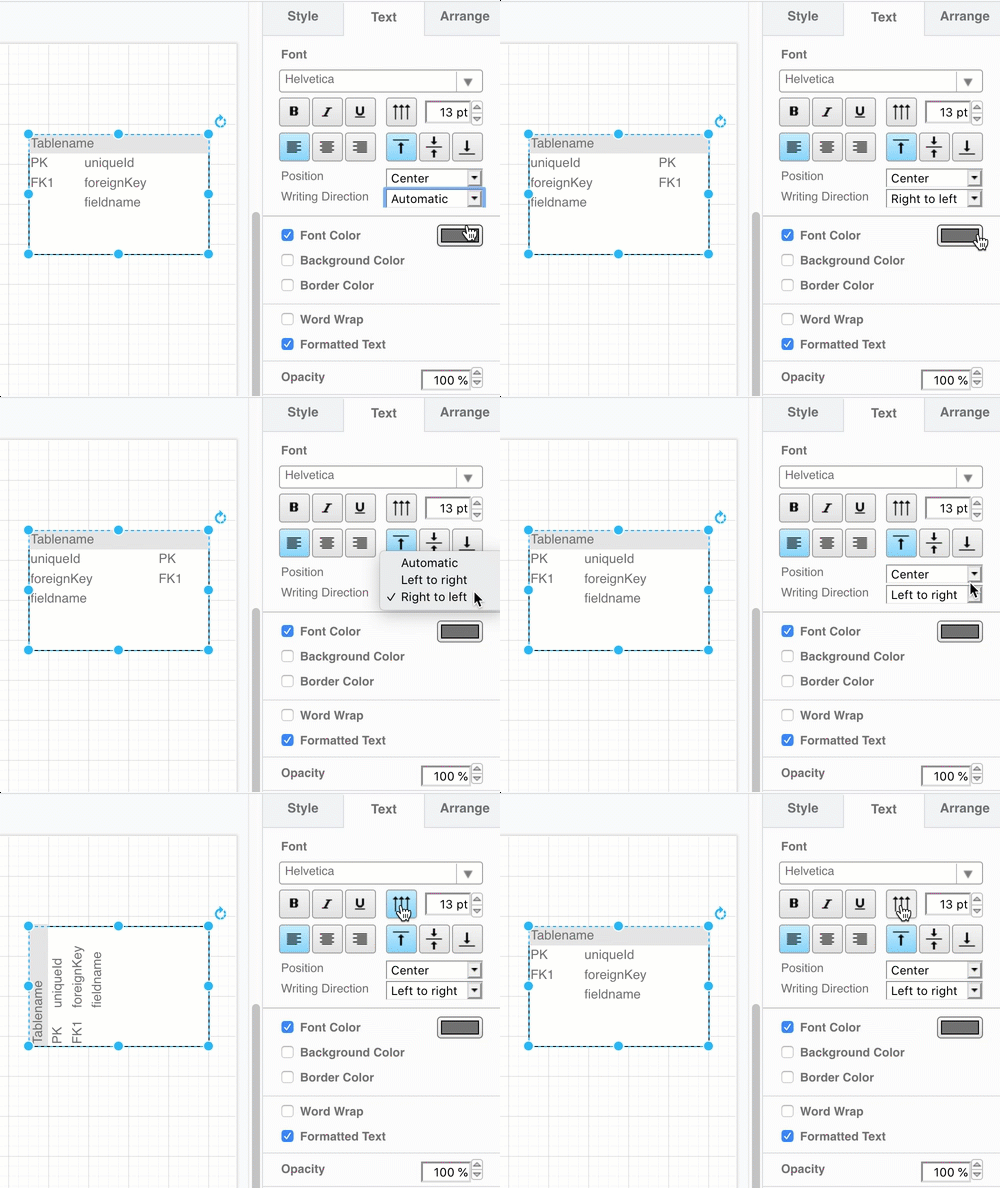
Change the writing direction
- Select the shape on the drawing canvas.
- In the Text tab of the format panel on the right, click on the Writing Direction drop-down list and select another direction.
- To switch between vertical and horizontal, click on the Vertical toggle button.